Salon scheduling software with clear day and week views
SalonCRM is salon scheduling software that keeps the whole salon on one calendar: day, week and per-staff views, visit statuses, services and automatic reminders — so nothing falls through the cracks.
Works on phone, tablet and computer. Every platform, every device — just log in through your browser. No app to install.
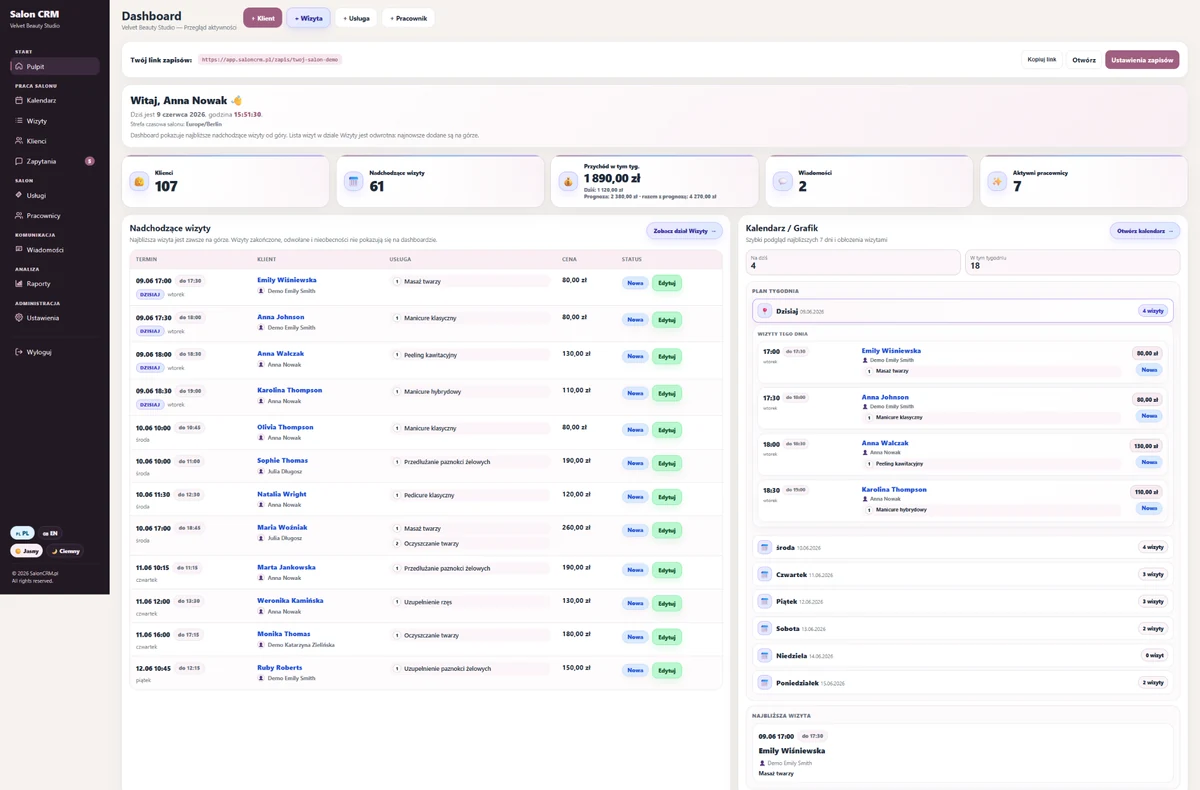
See how SalonCRM works in practice
Tap any screen to enlarge it. The gallery shows real views of the system: dashboard, calendar, clients, client card, messages, services, statistics and adding a visit.
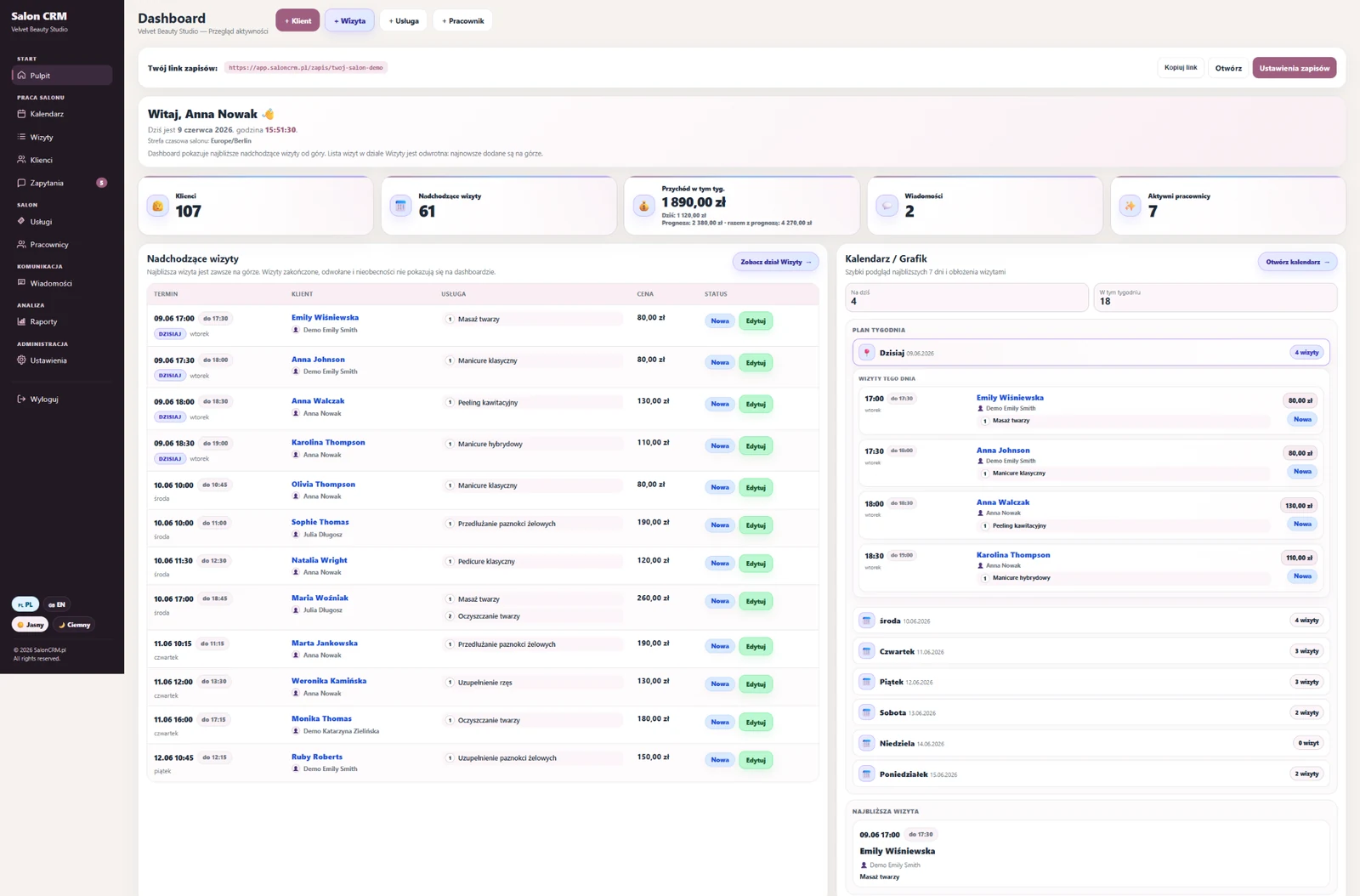
Salon dashboard
A quick overview of salon activity: upcoming visits, weekly revenue and staff schedule.
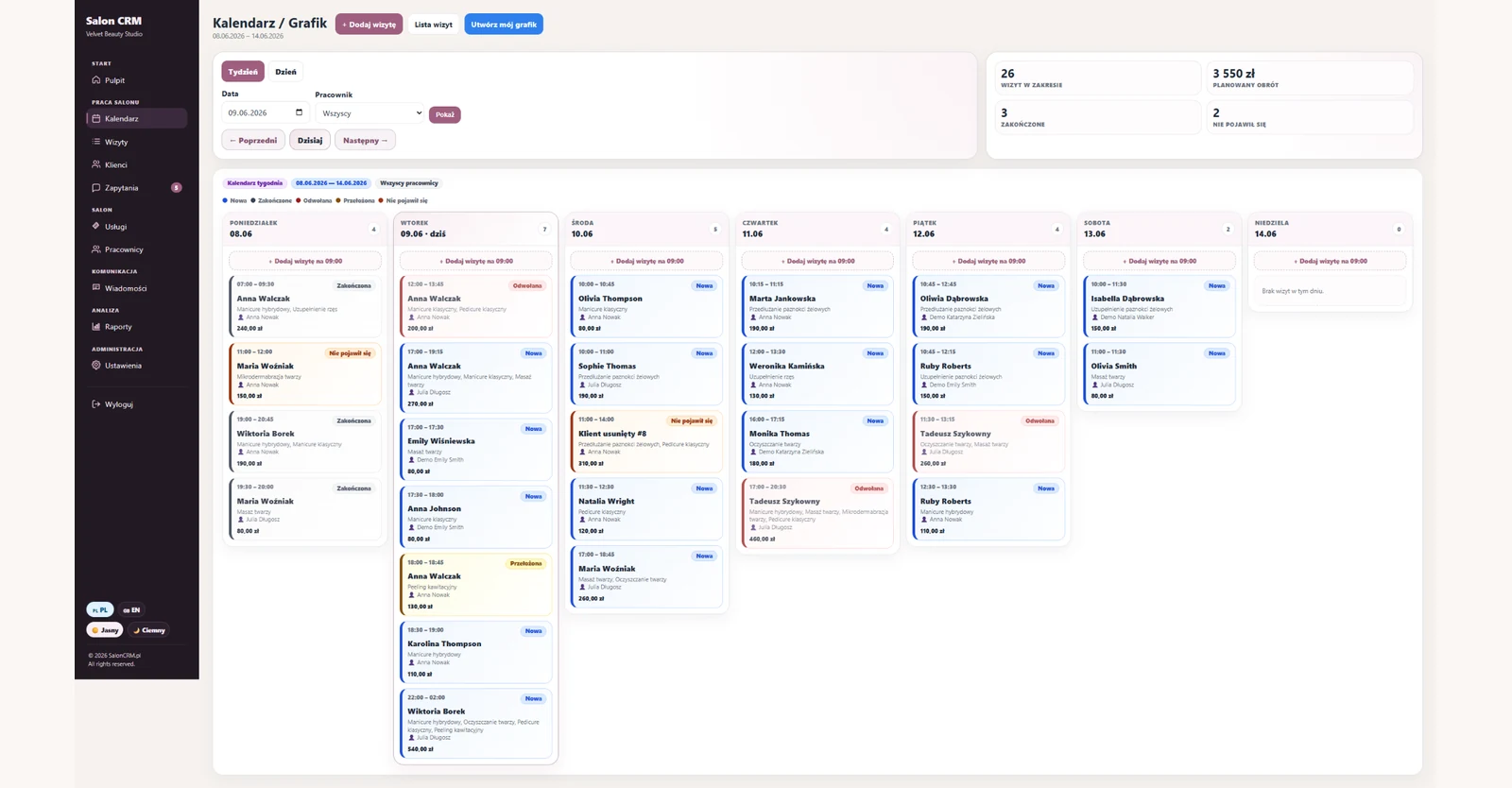
Appointment calendar
Daily and weekly schedule with visits, statuses, staff and services.
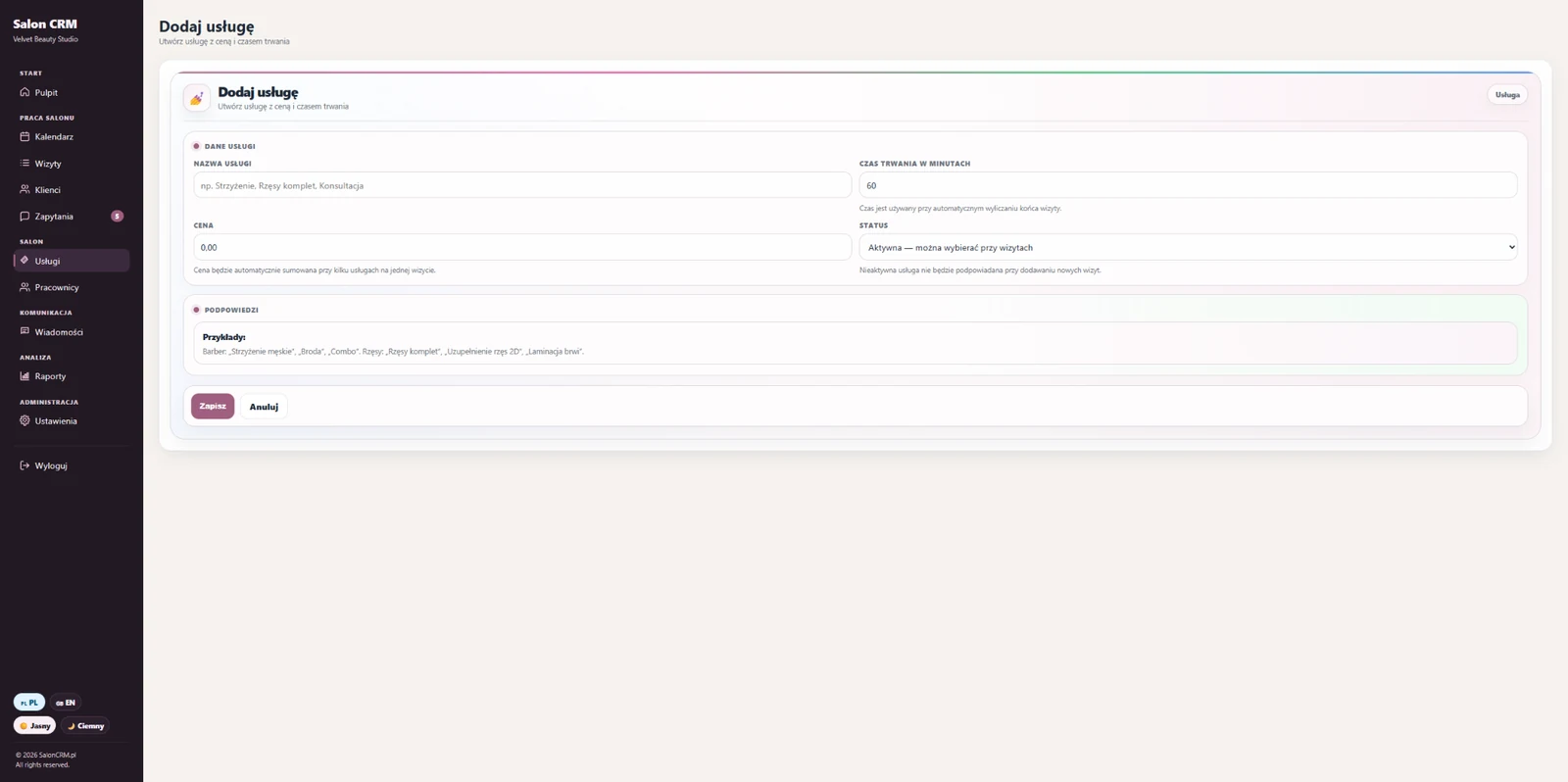
Adding a visit
Pick the client, staff and services — time and price add up automatically.
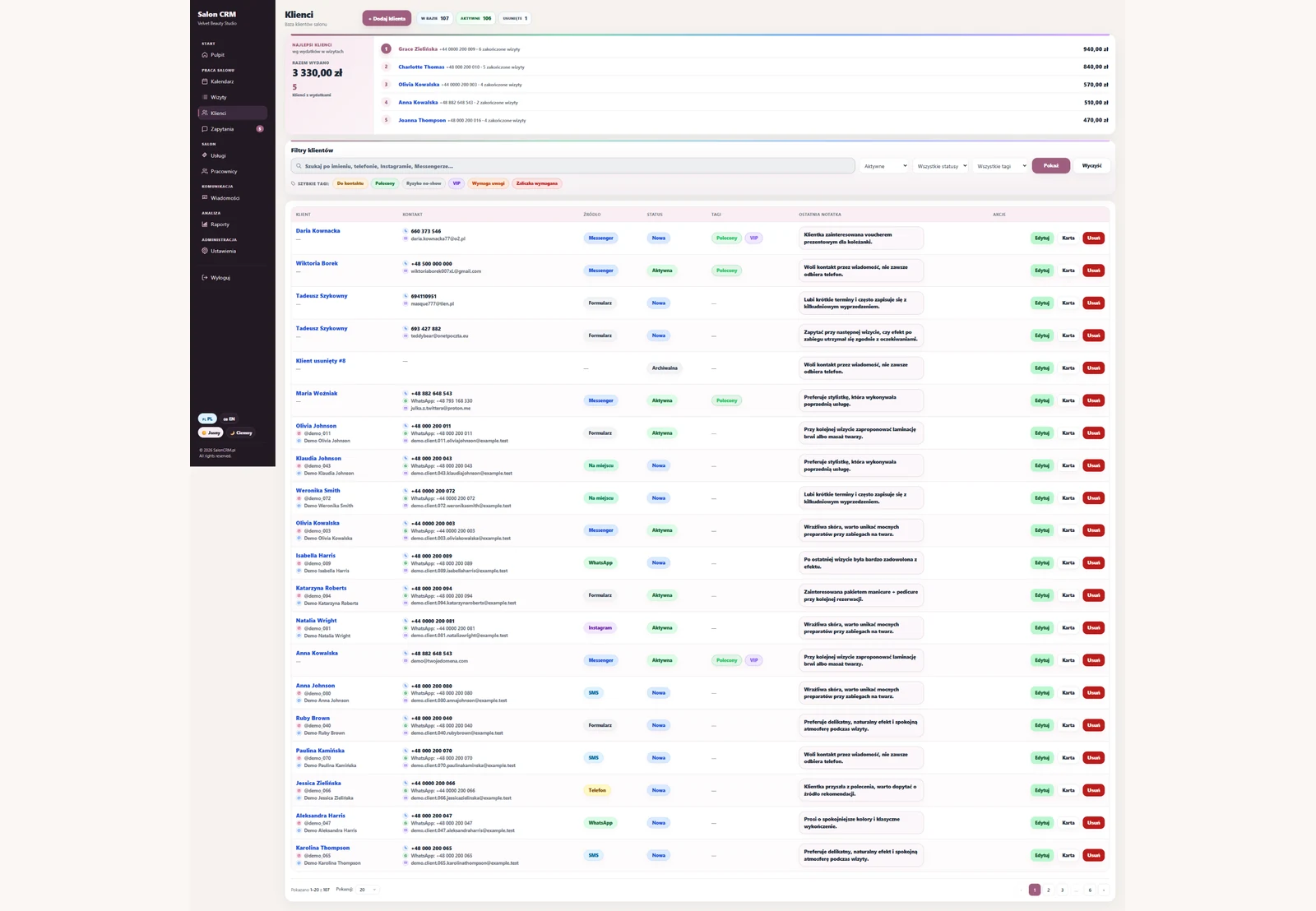
Client database
Clients, tags, relationship status, contact source, quick filters and search.
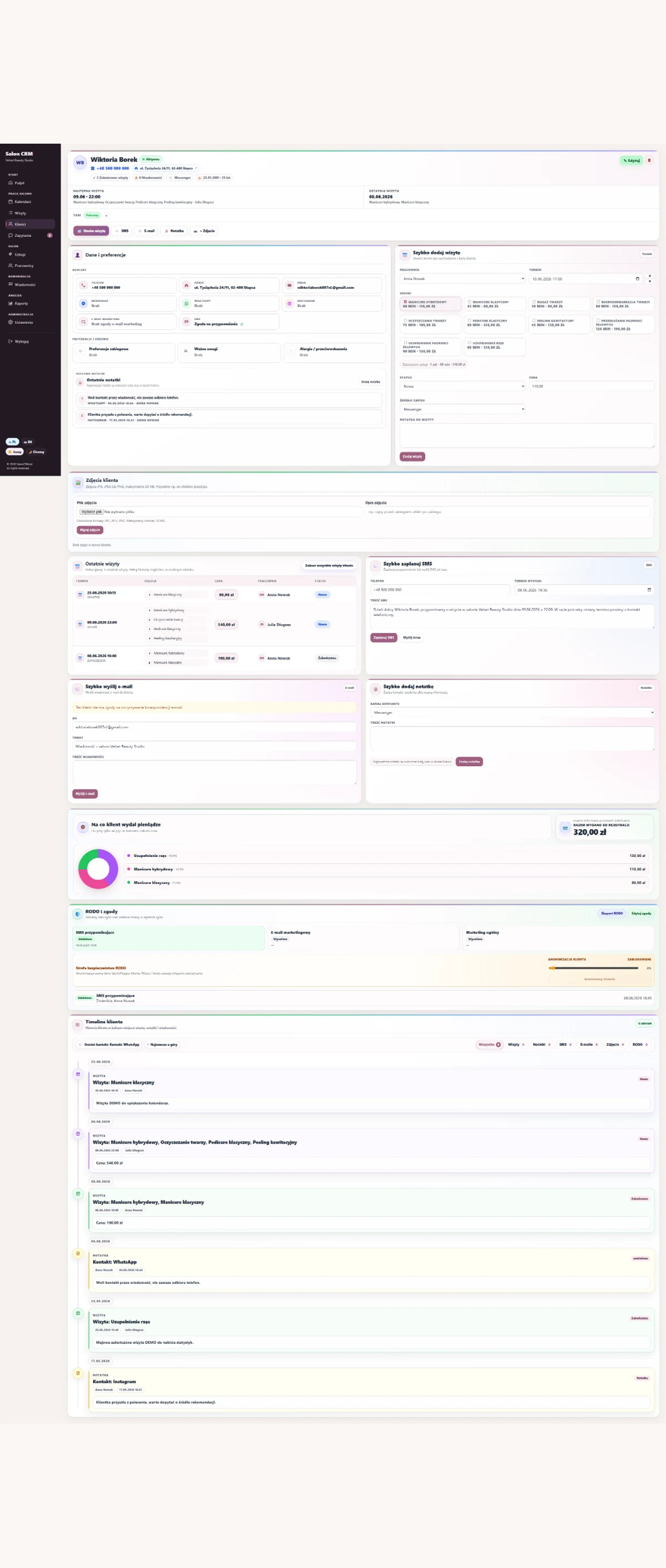
Client card
Details, preferences, service history, photos, notes, GDPR consents and spend.
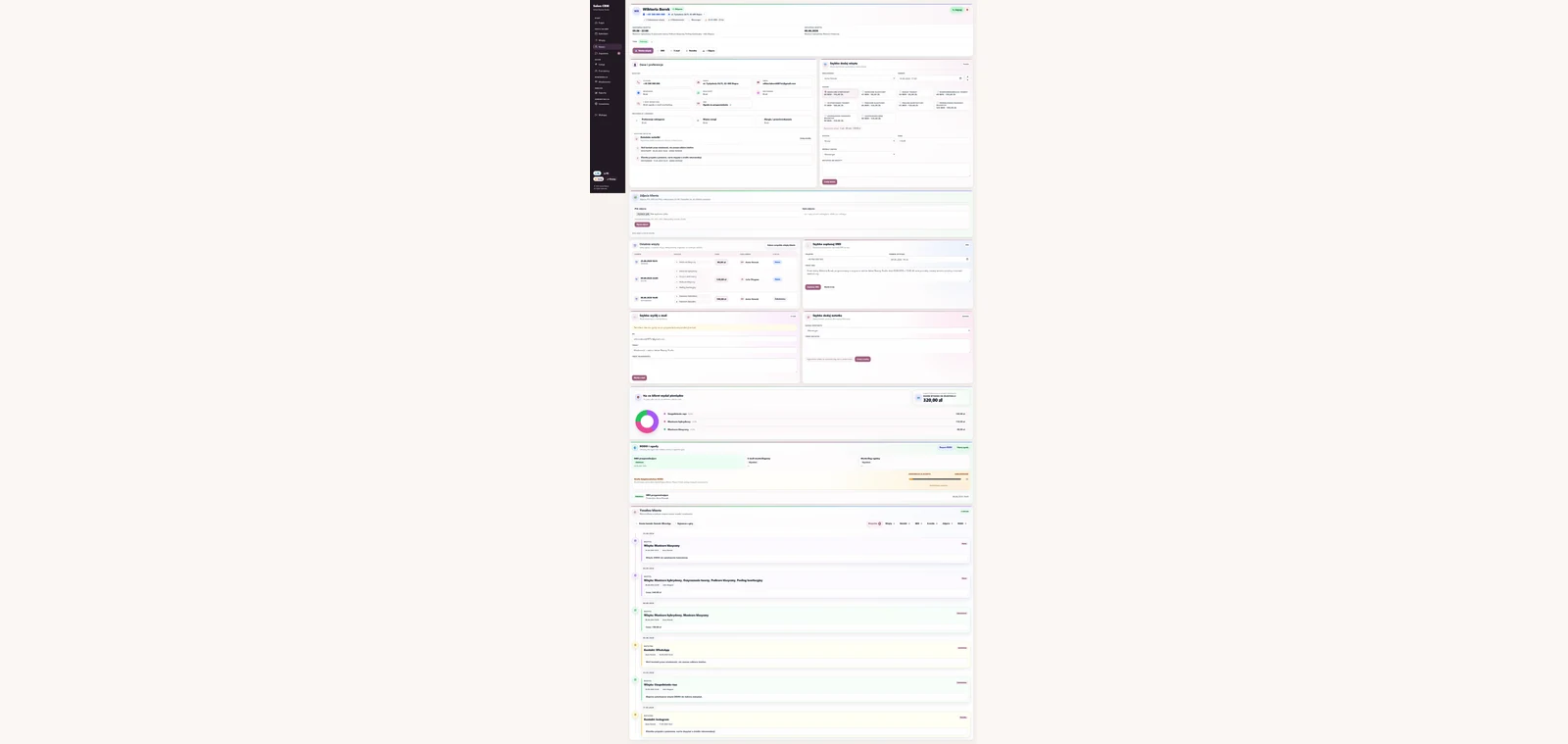
Client timeline
Visits, notes, SMS and e-mails on one chronological client timeline.
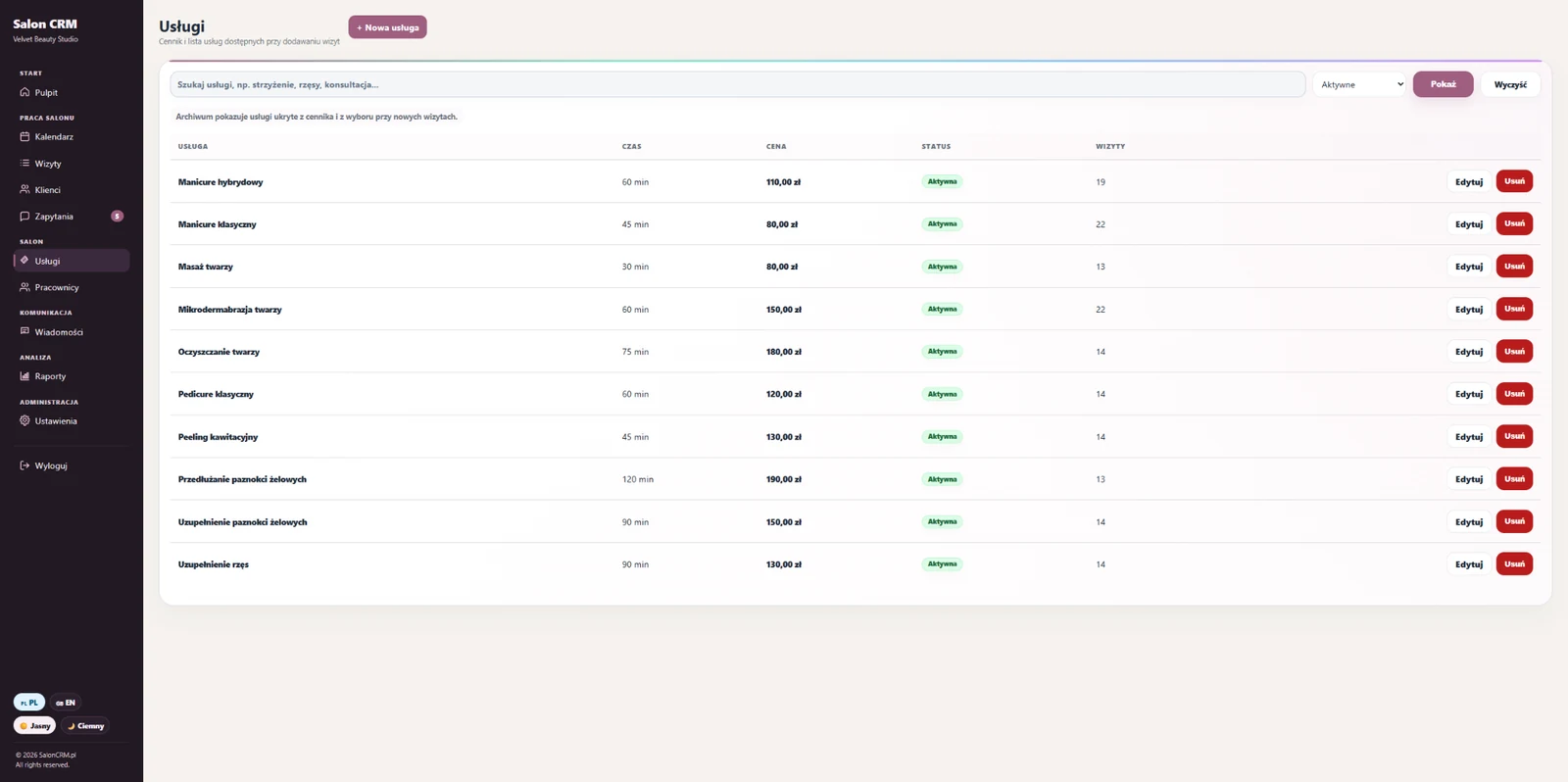
Services & pricing
Service list, duration, prices, statuses and easy offer management.
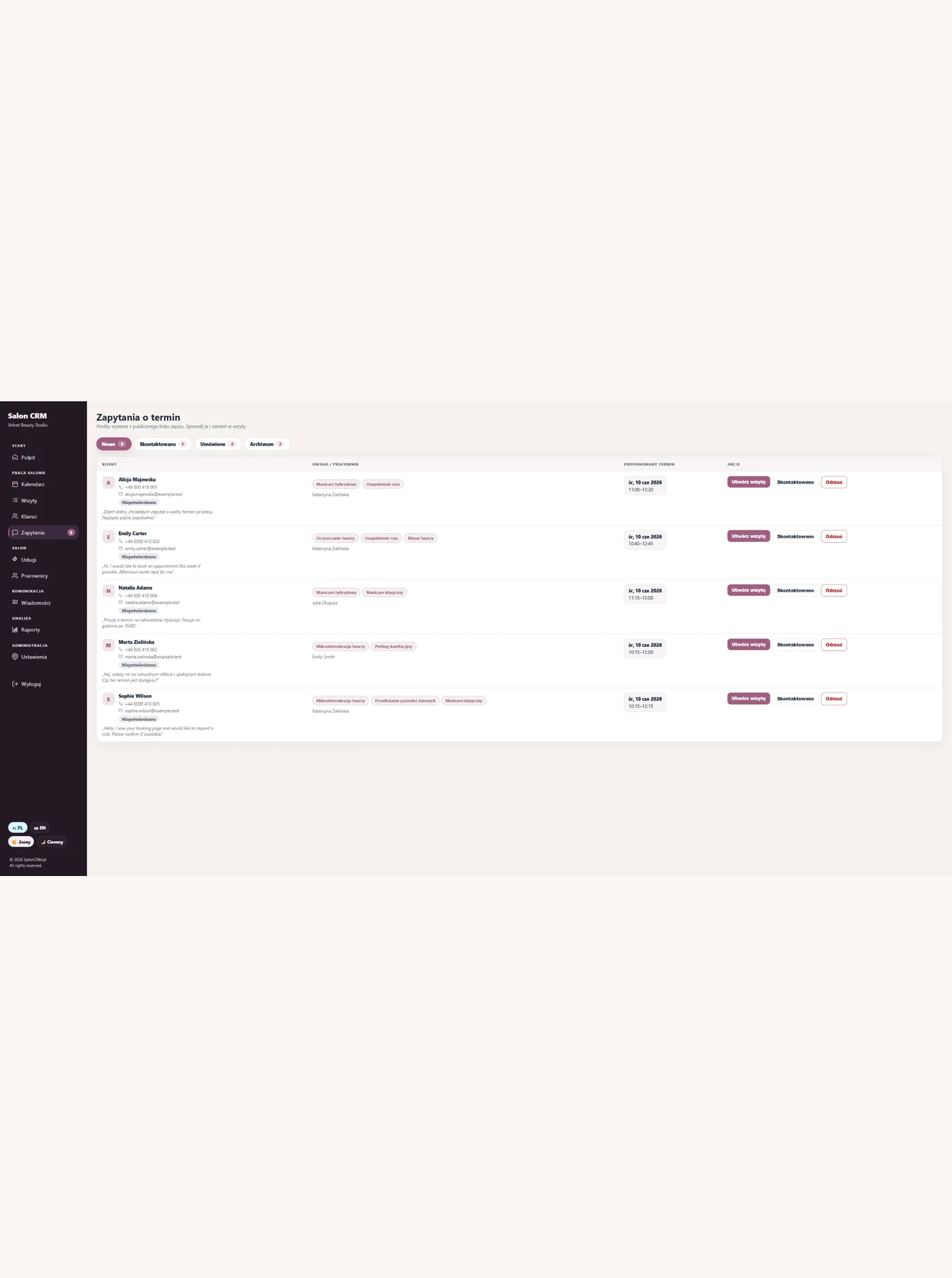
SMS & e-mail
Appointment reminders: pending, sent, errors and cancelled messages.
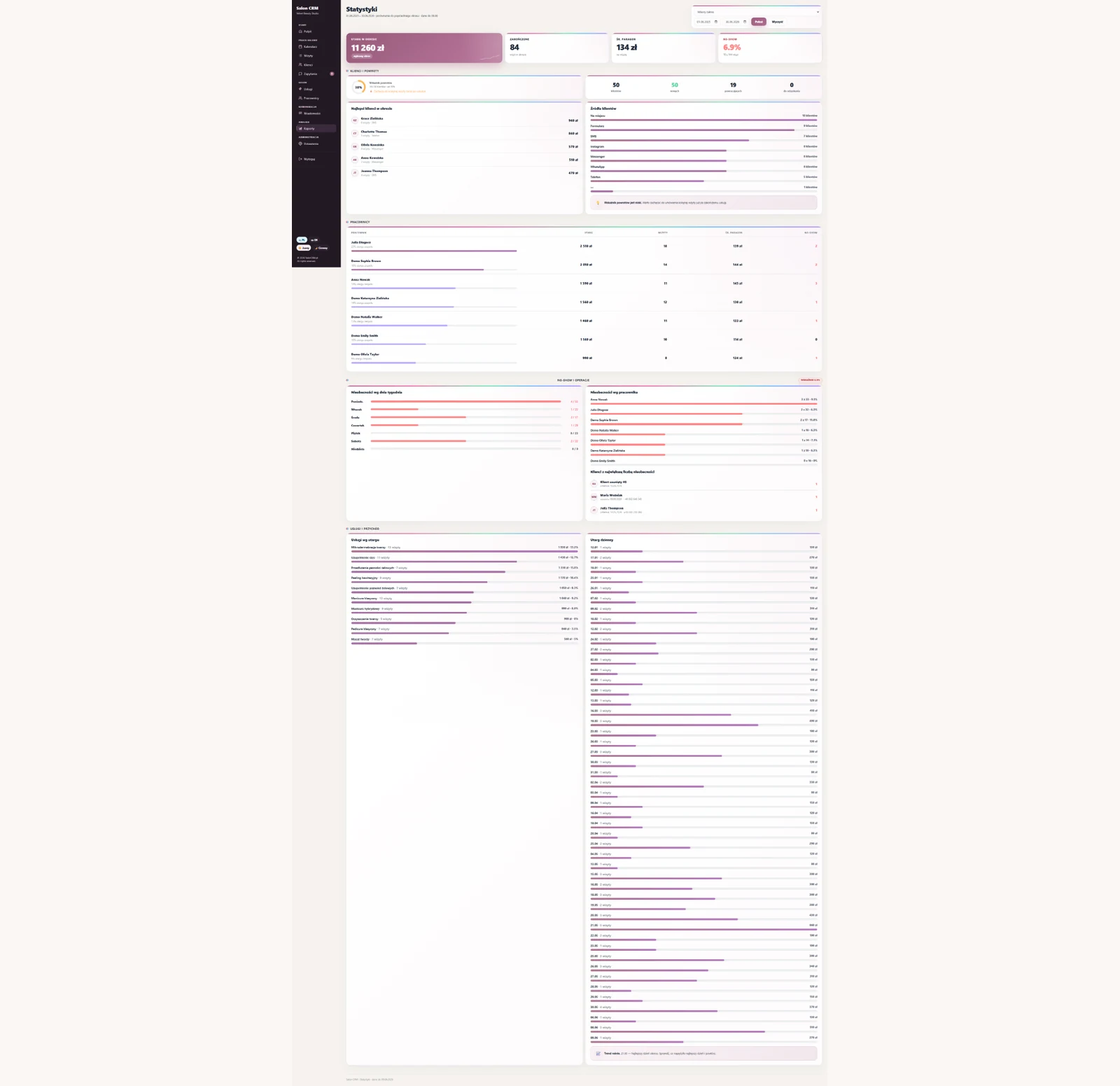
Salon statistics
Revenue, no-shows, client returns, sources, staff and daily trend.
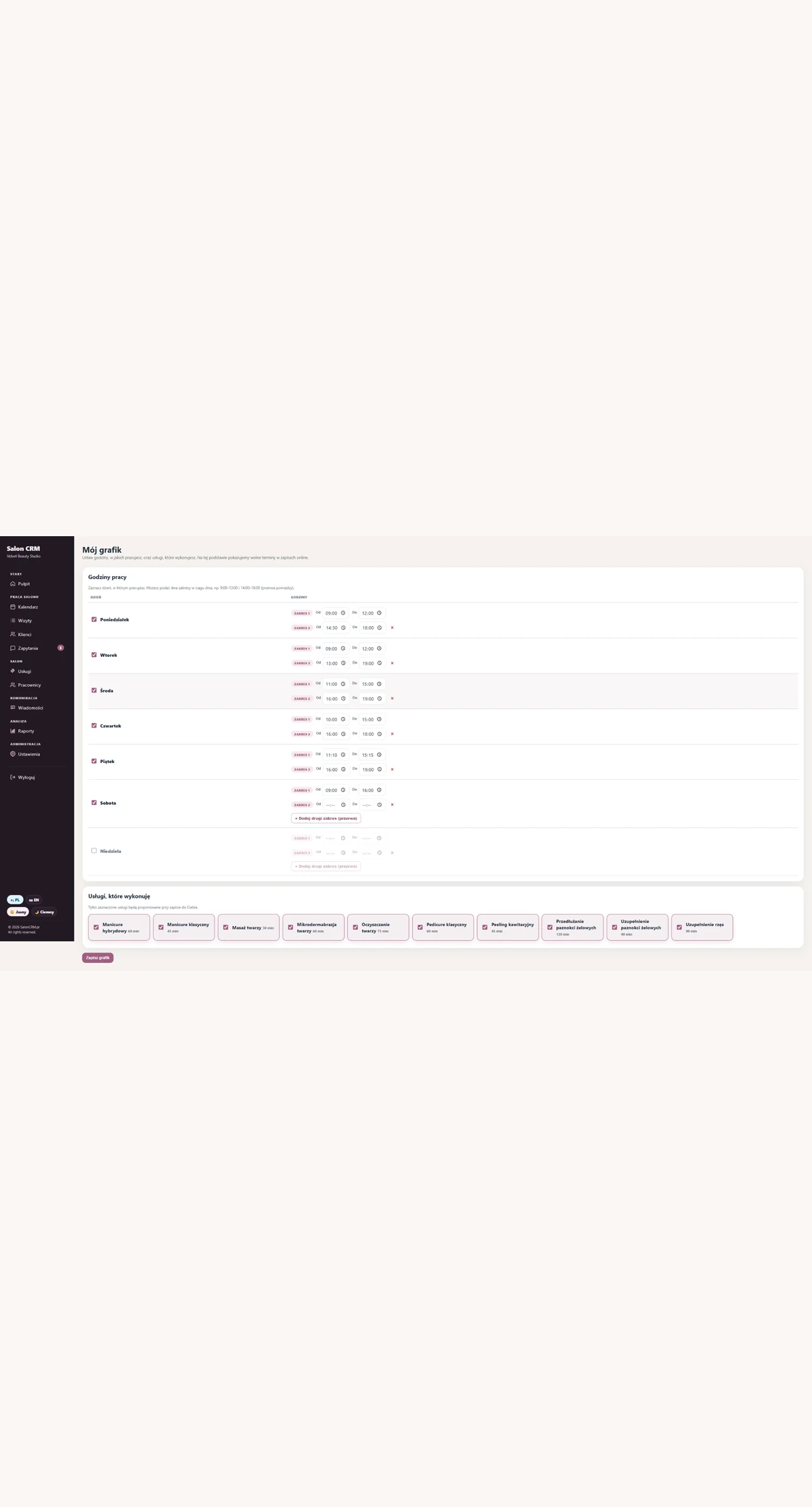
Settings
Salon data, automations, templates, SMTP, SMS gateway, language and 2FA.
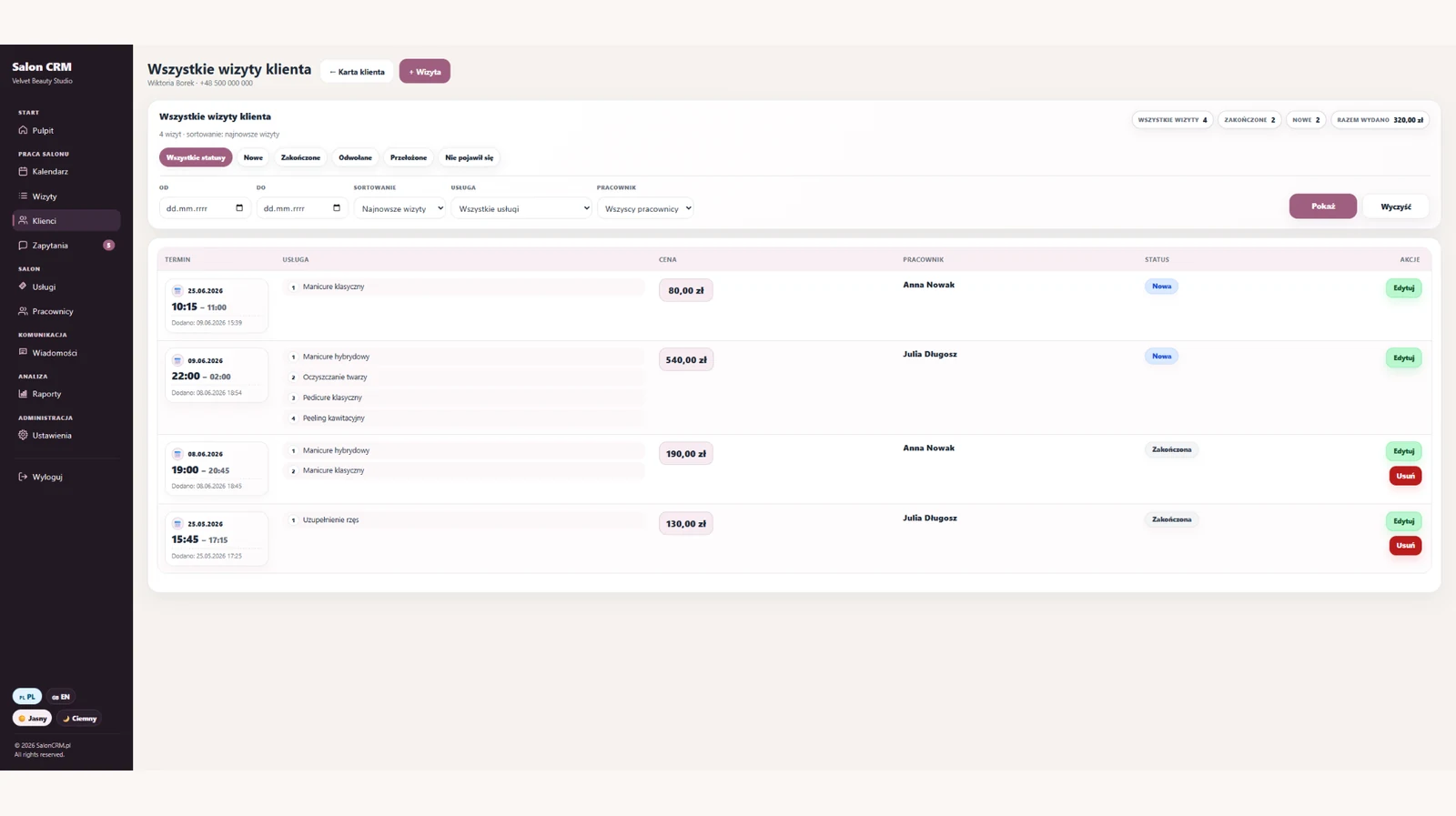
Visit history
Full client visit history: dates, services, prices, statuses and staff.

GDPR & consents
Client consents, data export, change log and anonymisation in one place.
All screenshots can be enlarged. On a phone you can also swipe between screens.
Why a shared schedule matters
“Salon scheduling software” is searched by salons that need one calendar everyone trusts — across staff, rooms and the front desk.
Conflicting calendars
Each stylist keeps their own version of the day.
No status view
Hard to tell what's booked, done or cancelled.
Manual reminders
Confirmations depend on someone remembering.
Lost context
The visit isn't linked to the client's history.
Scheduling software gives one trusted calendar with statuses, reminders and a link to each client.
What salon scheduling software should offer
Clear day and week views, a per-staff lane, fast booking, visit statuses and automatic reminders are the core of useful scheduling software.
SalonCRM adds the client link, so every slot connects to history, notes and consents.
Scheduling features
- Day, week and per-staff views
- Fast booking and rescheduling
- Visit statuses: booked, done, cancelled
- Automatic SMS/e-mail reminders
- Each slot linked to the client card
Calendar that reduces gaps
Seeing the whole day per staff makes it easy to fill gaps, reschedule and avoid overlaps — which protects revenue on busy days.
Reminders built in
Automatic SMS/e-mail reminders send before each visit, reducing no-shows without manual texting.
How to start using SalonCRM
Start with the basics: services, staff, clients and your nearest visits. Reminders, documentation and full client history come next.
Add services and staff
Set your core services, prices, durations and the people who perform them.
Move in your next visits
Enter the appointments for the coming days first, so the calendar feels organised fast.
Fill in client cards
Add notes, history, photos, consents and preferences as clients come back.
Frequently asked questions
Is SalonCRM salon scheduling software?+
Can the whole team use one calendar?+
Does it show visit statuses?+
Does it remind clients?+
Does it link to client history?+
Related SalonCRM solutions
These pages help match SalonCRM to a specific problem or type of salon.
Want to try SalonCRM in your salon?
14 days free. Full access to the system on a real example: visits, clients, staff, services, reminders and client history.